

When you are banned from logging in due to multiple incorrect password attempts, please click "Forgot Password?"
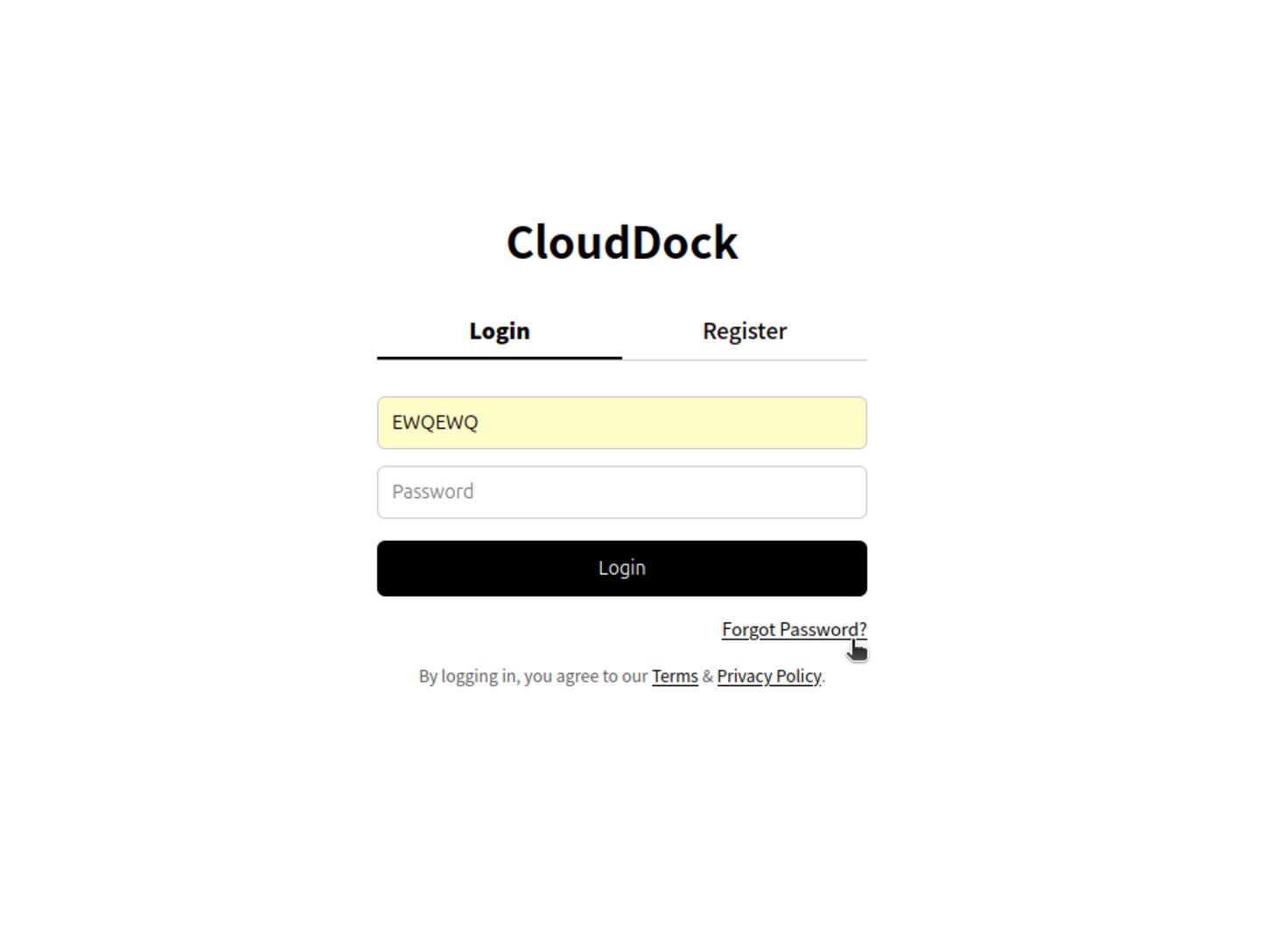
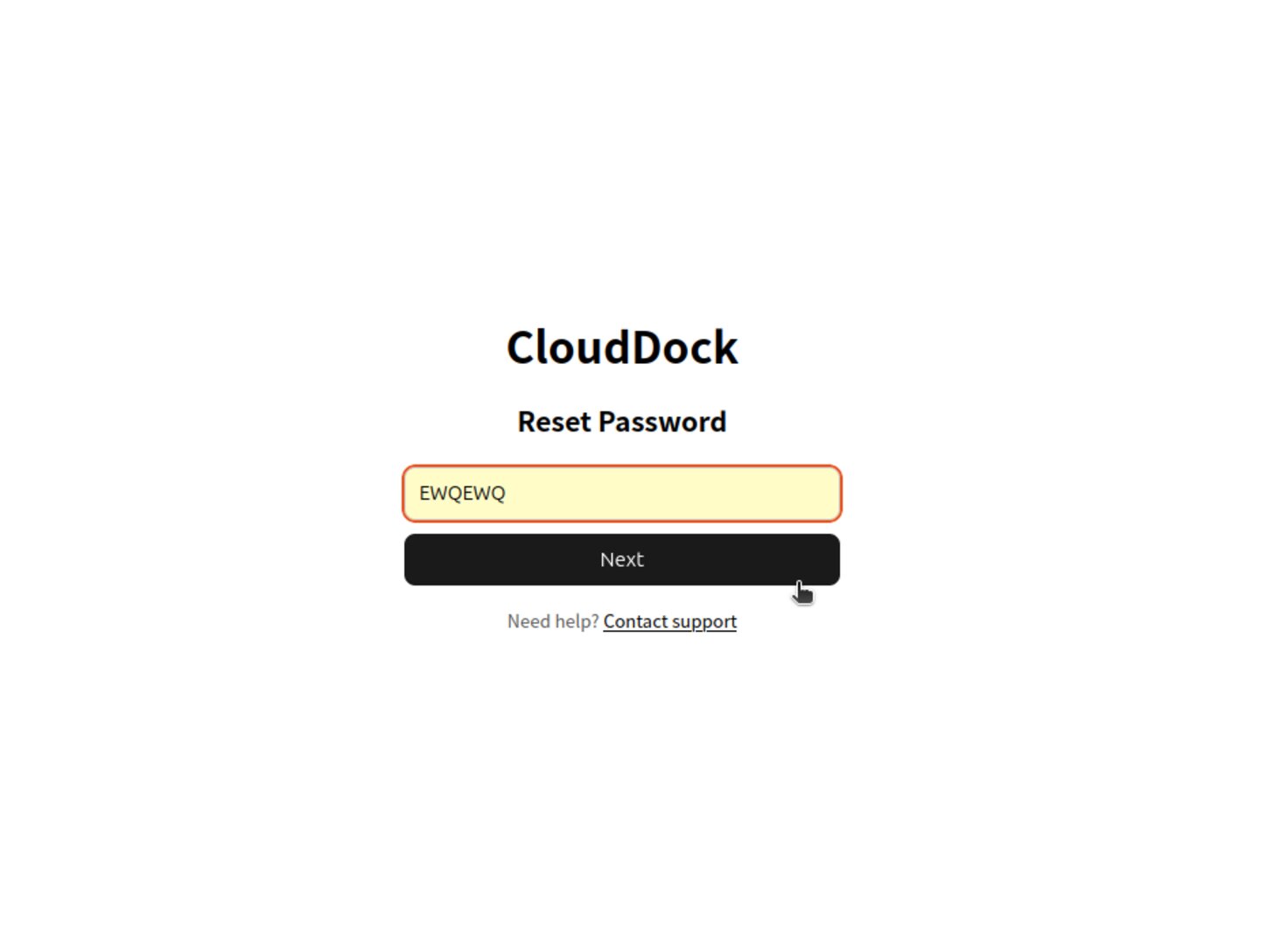
Enter your username and click "Next"
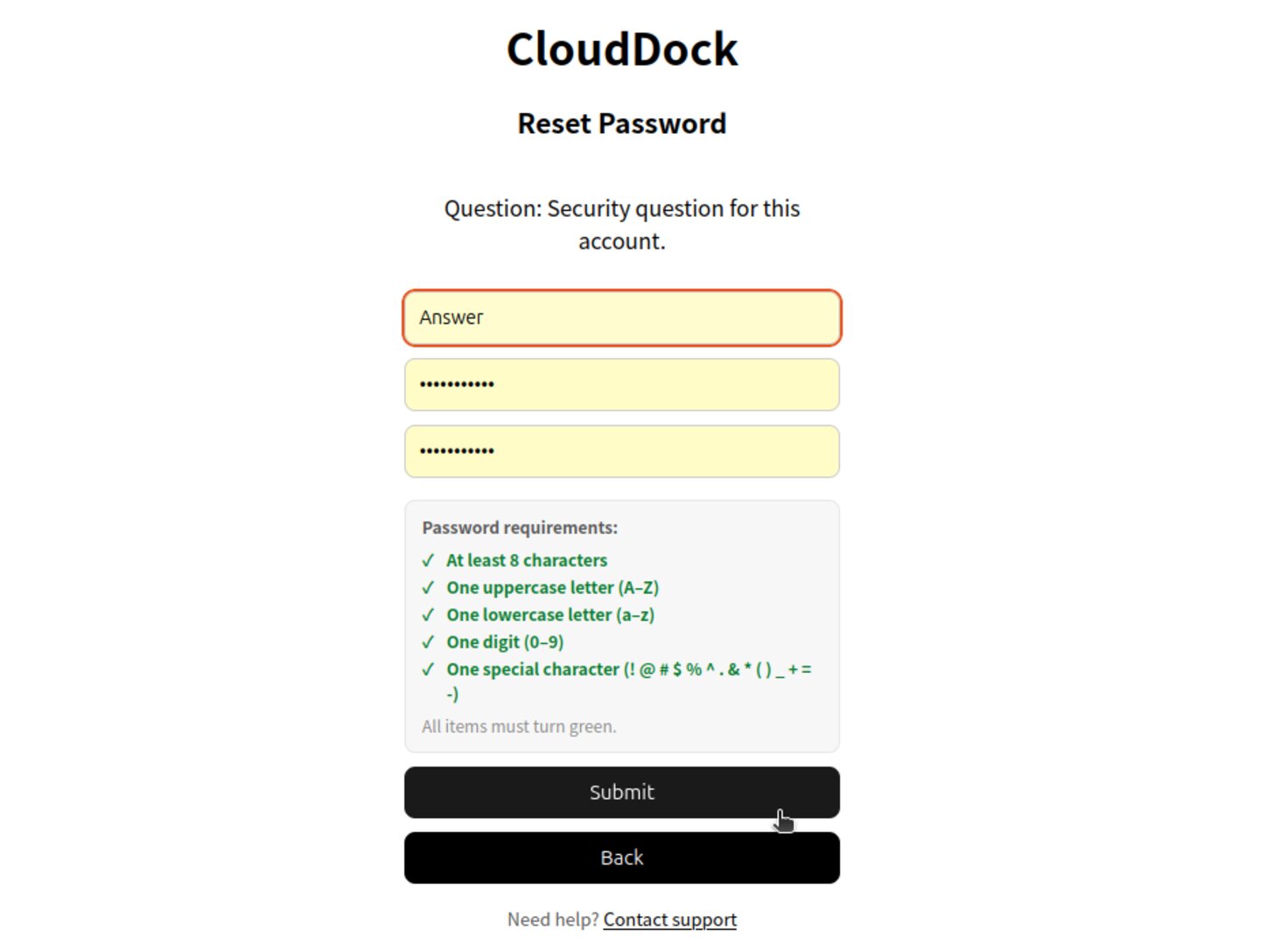
Enter the answer to your account's security question and fill in a new password, then click "Submit"
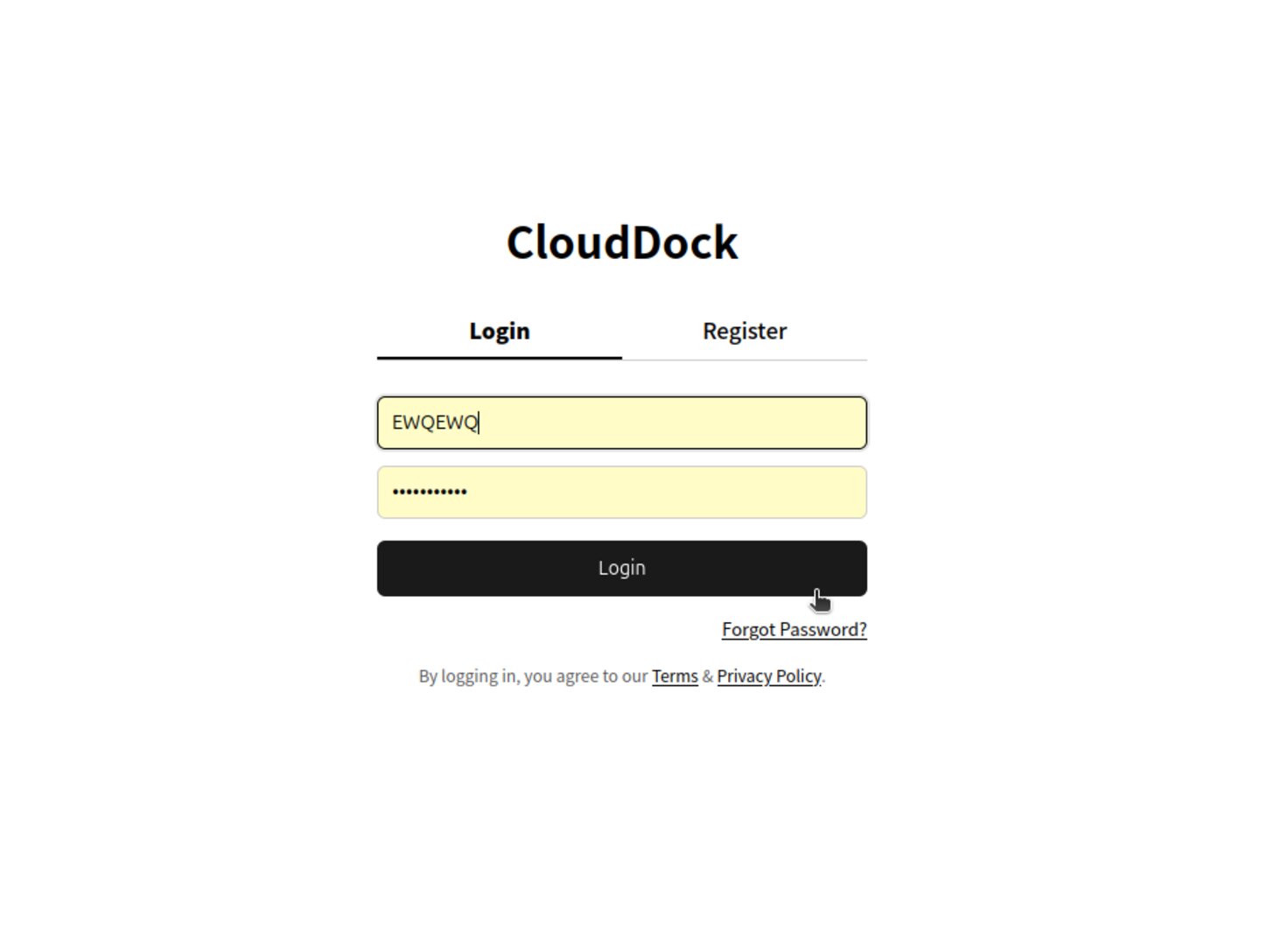
Return to the login interface, enter your account and new password to log in
Message us on the same social account (Telegram or Discord) you used for your first top-up; we will assist you as soon as possible.
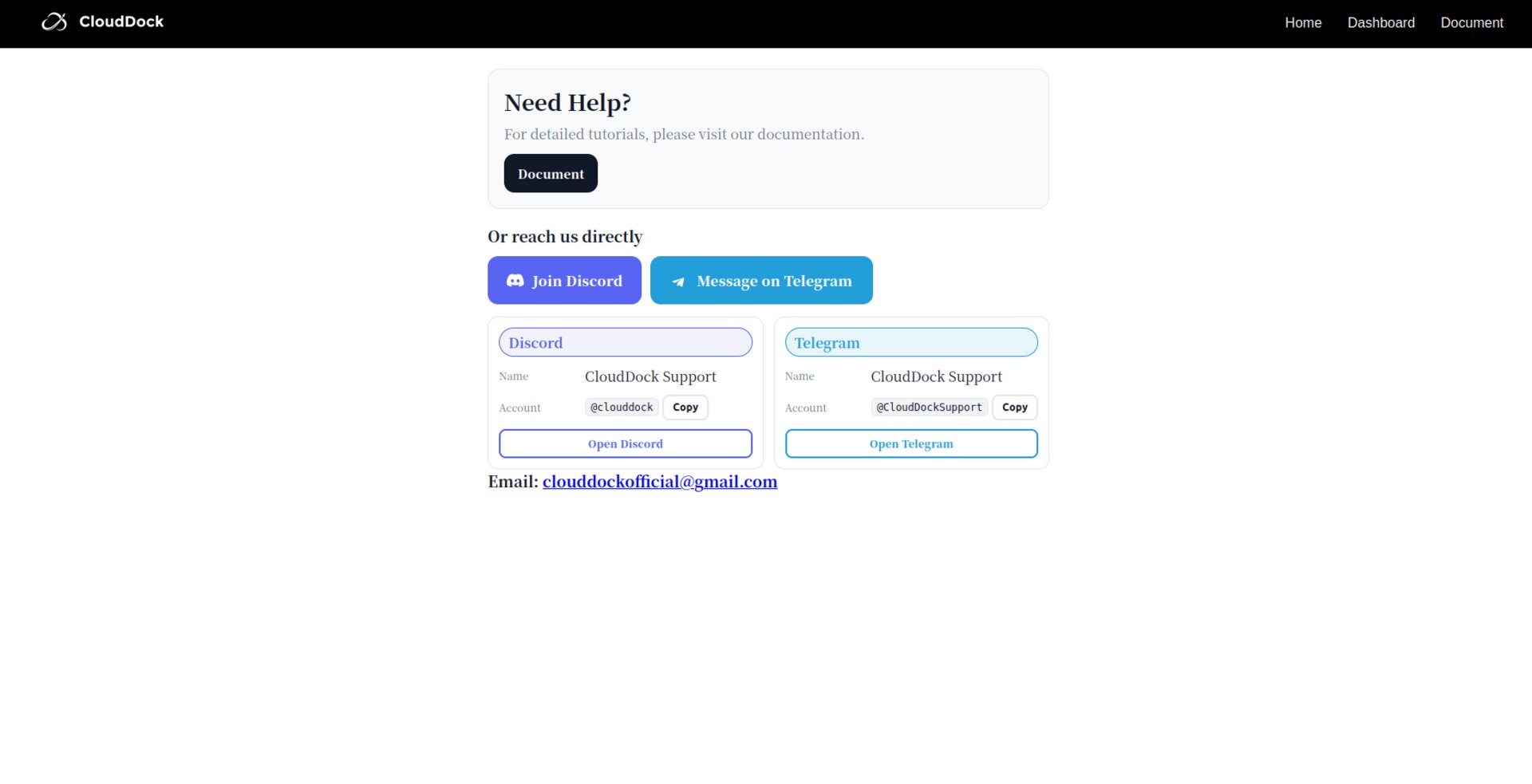
Submit as much information as possible to customer service (such as transaction receipts, order numbers)
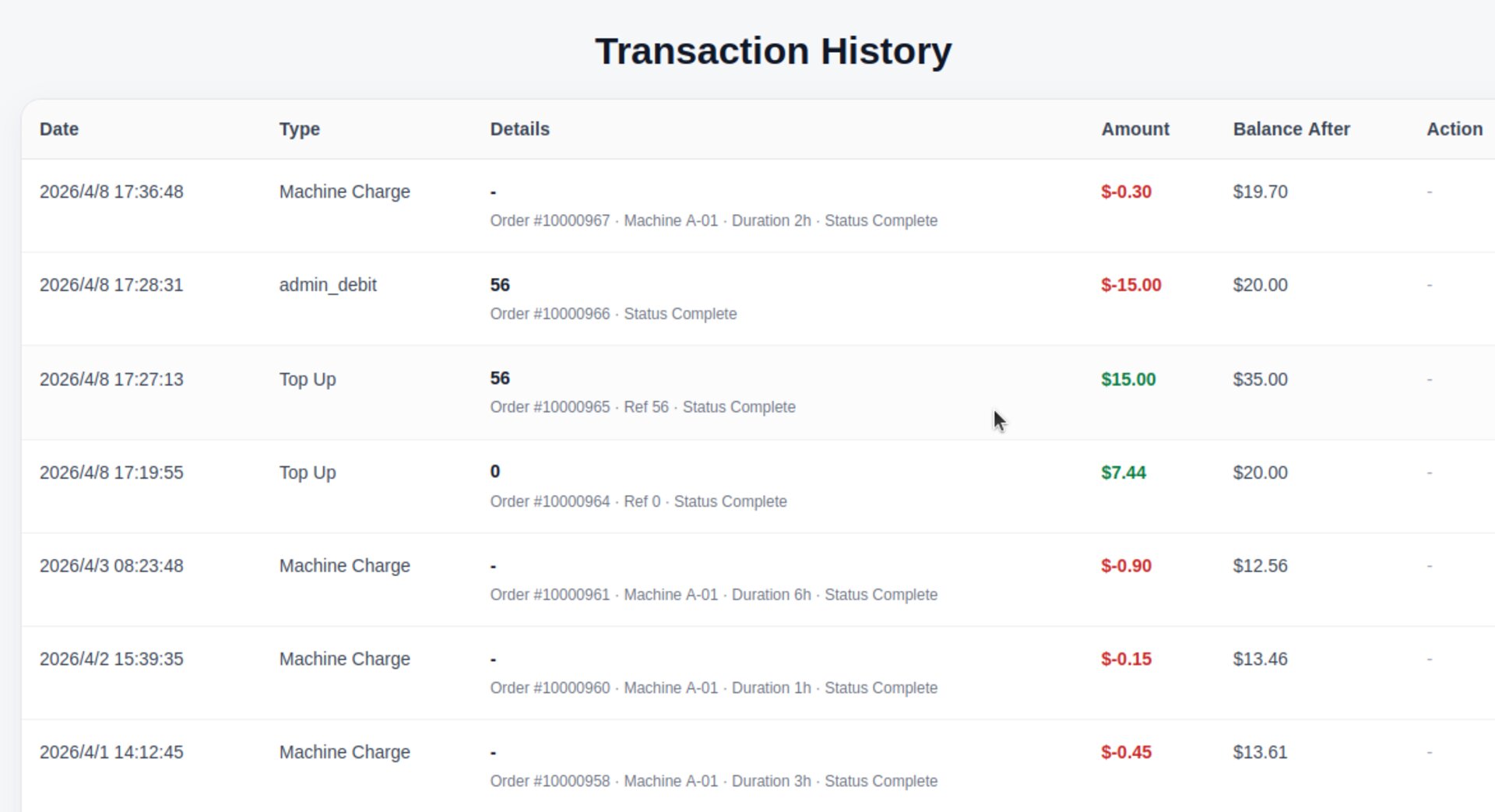
To protect your account we may ask for registration details, recent login times, or other supporting information. Your cooperation is appreciated.
Thank you for your understanding and patience. We wish you a pleasant experience on CloudDock!