

1Launch the App
On the desktop, locate the app named ClouDock Launcher then double-click it with the left mouse button to open it.
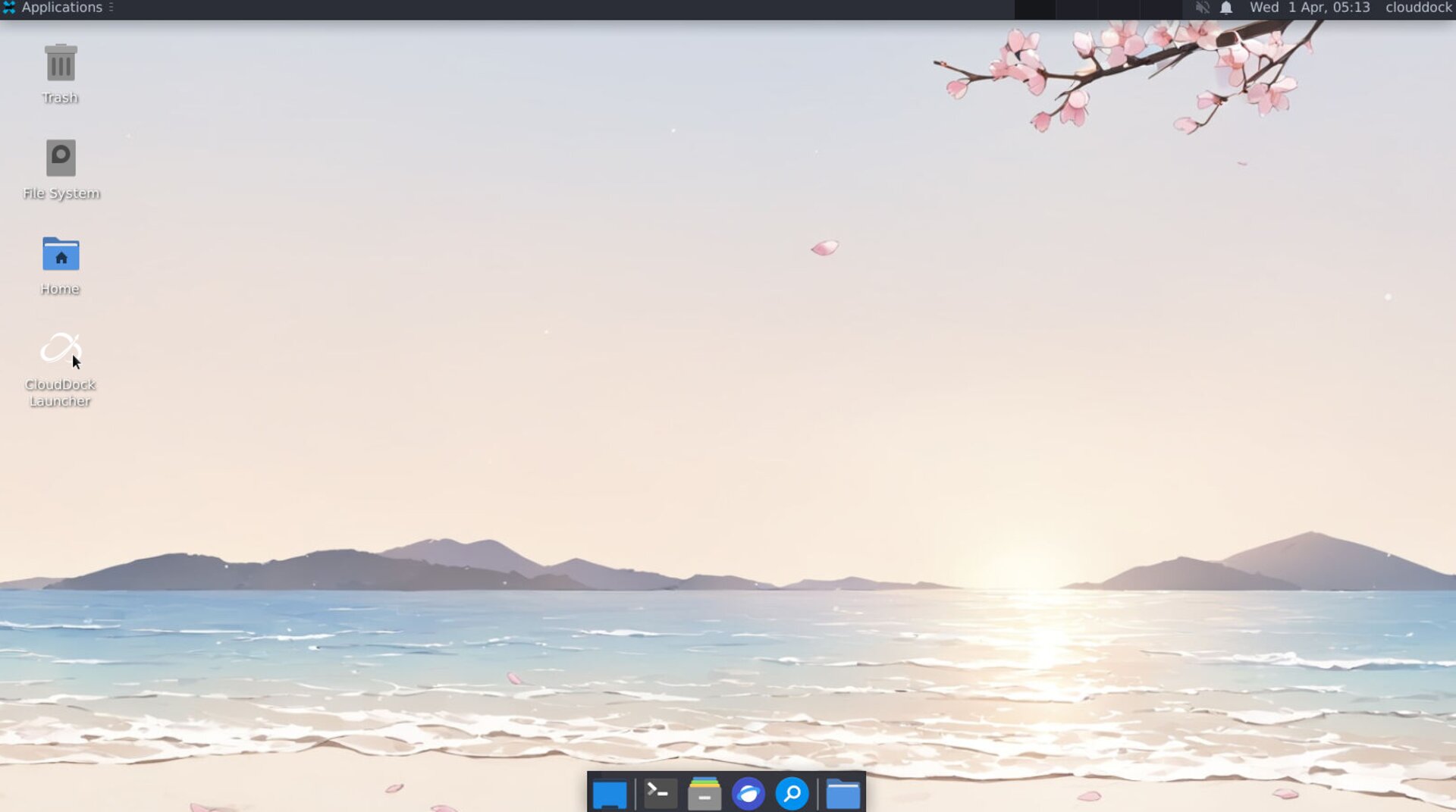
Launch the App Store
2Go to the App Store
Open the App Store with a left-click.
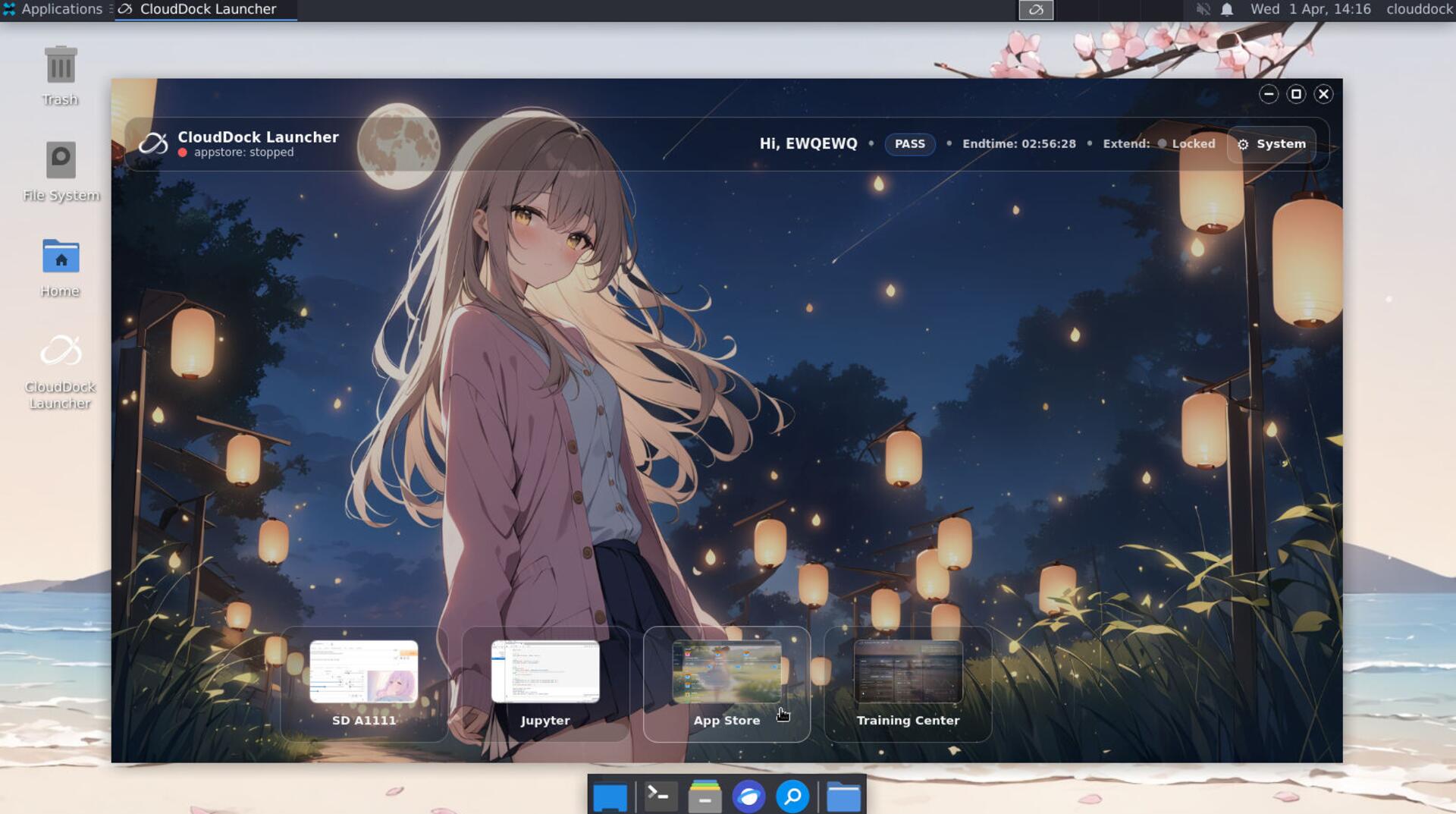
Open the App Store interface
3Launch the App Store
Click Start to launch the App Store.
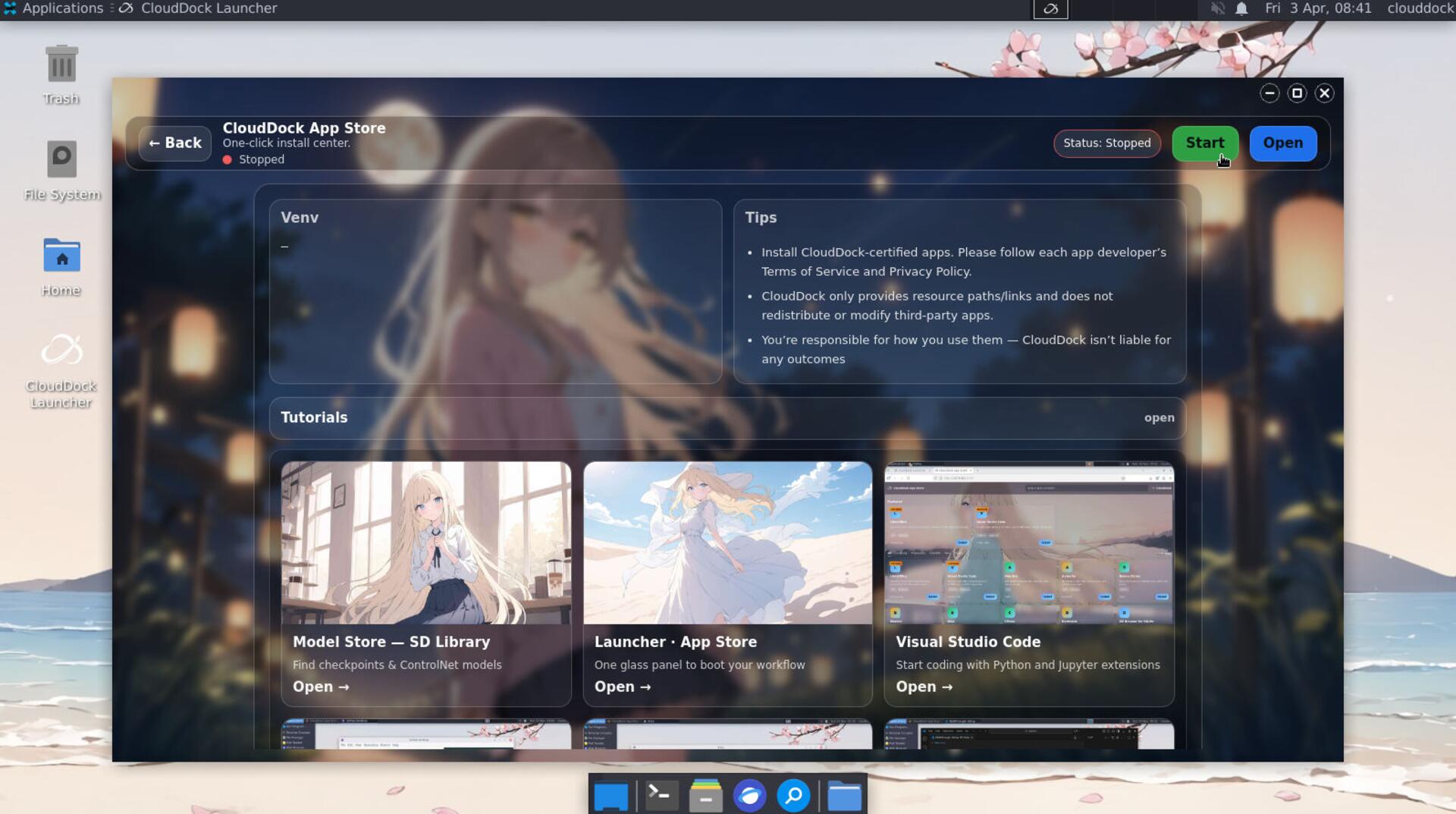
Launch the App Store
Then click Open to access it.
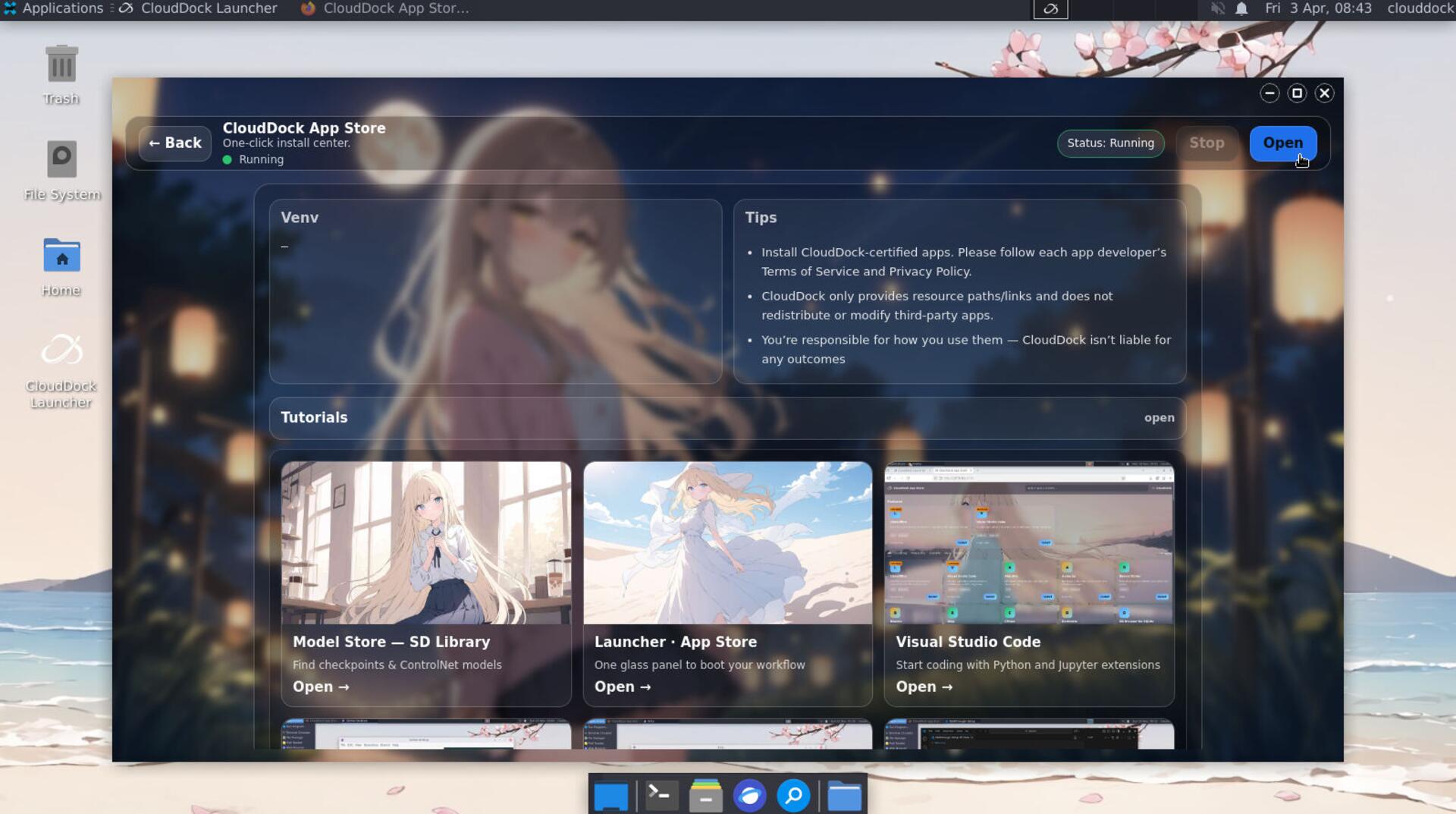
Open the App Store
4App Store Installer
Click "Details" to view application/model details.
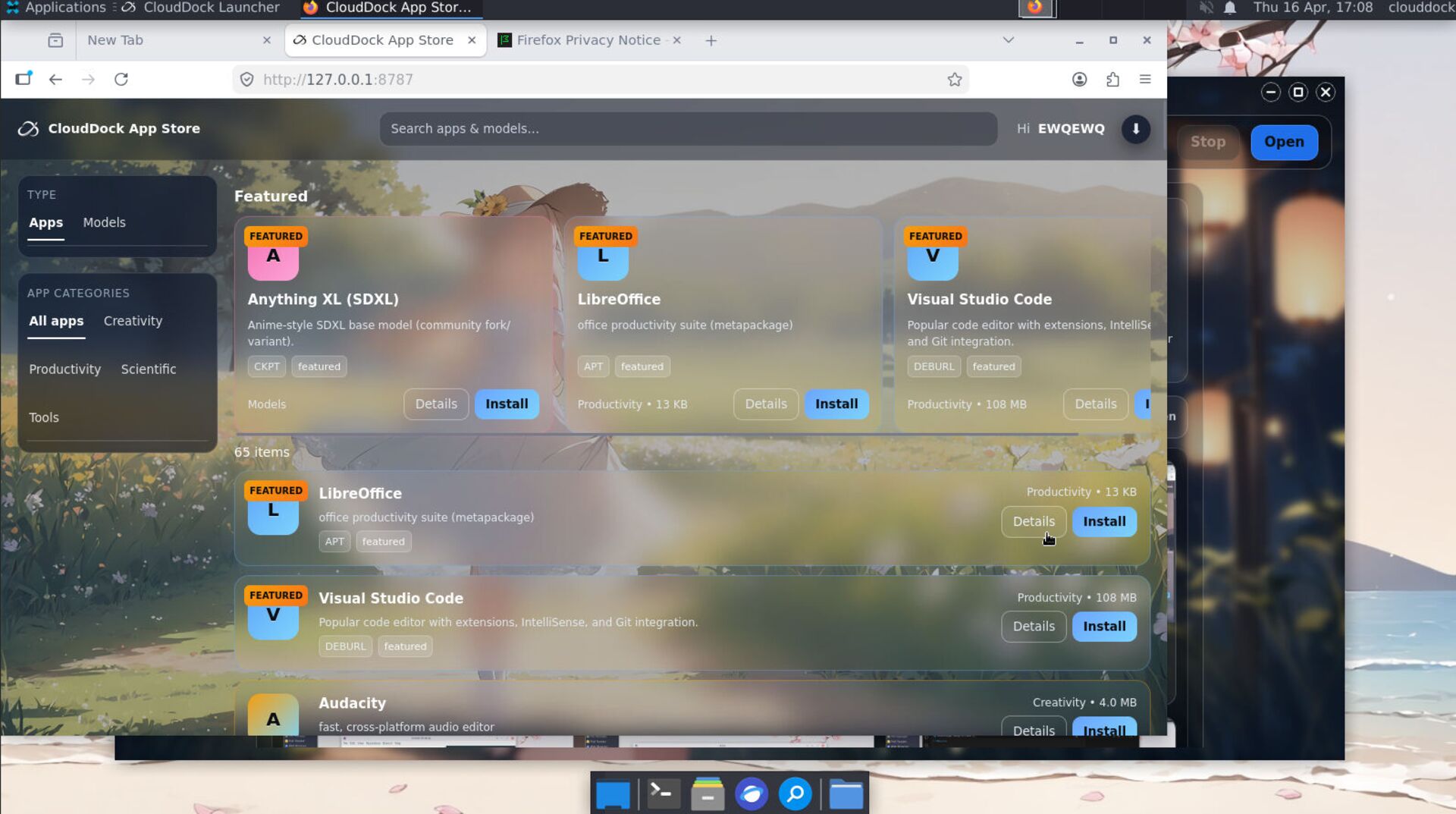
App Details
Click the "Install" button; the system will download and configure the application automatically.
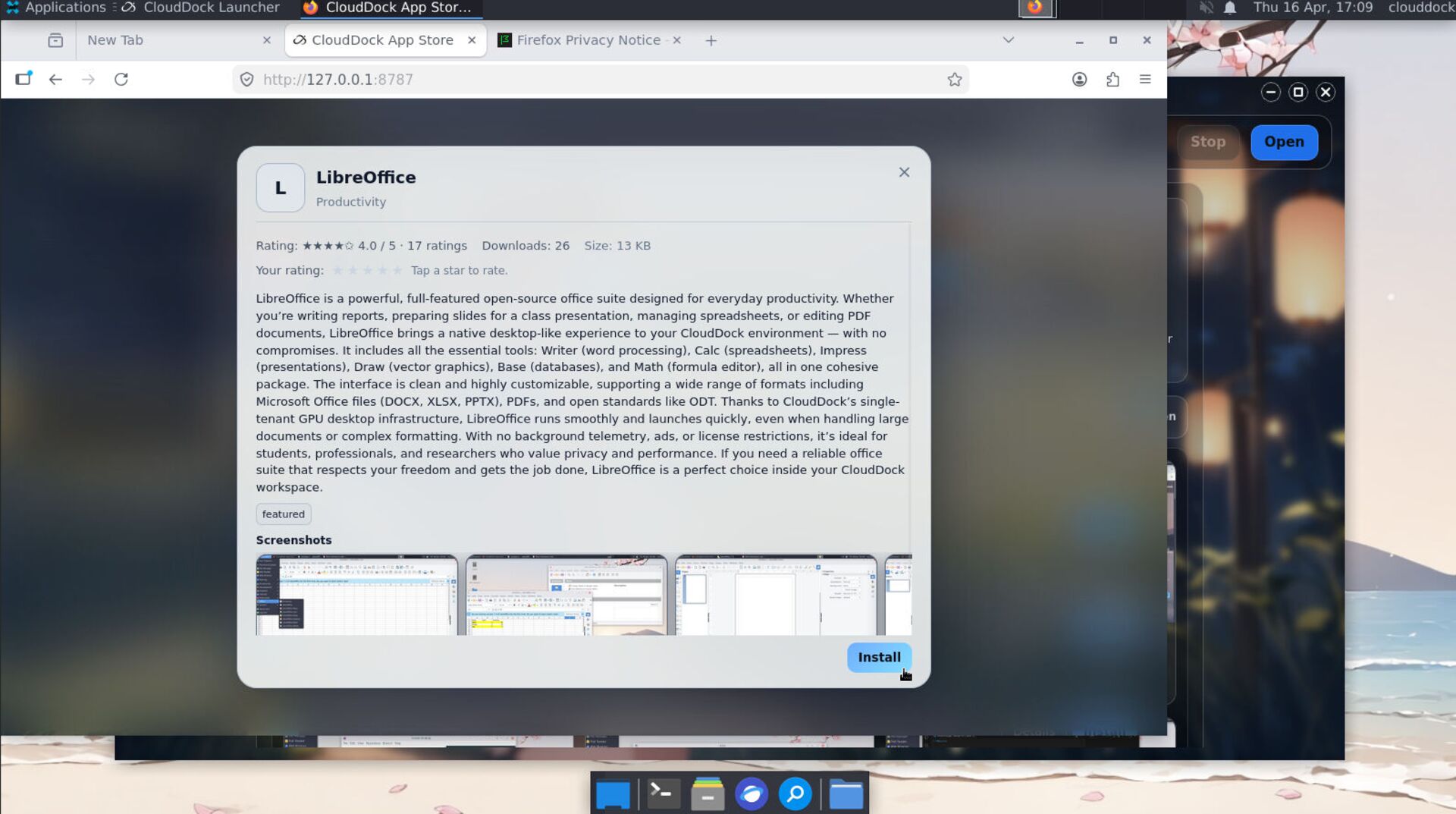
Install with One Click
Installation complete. Enjoy your experience!
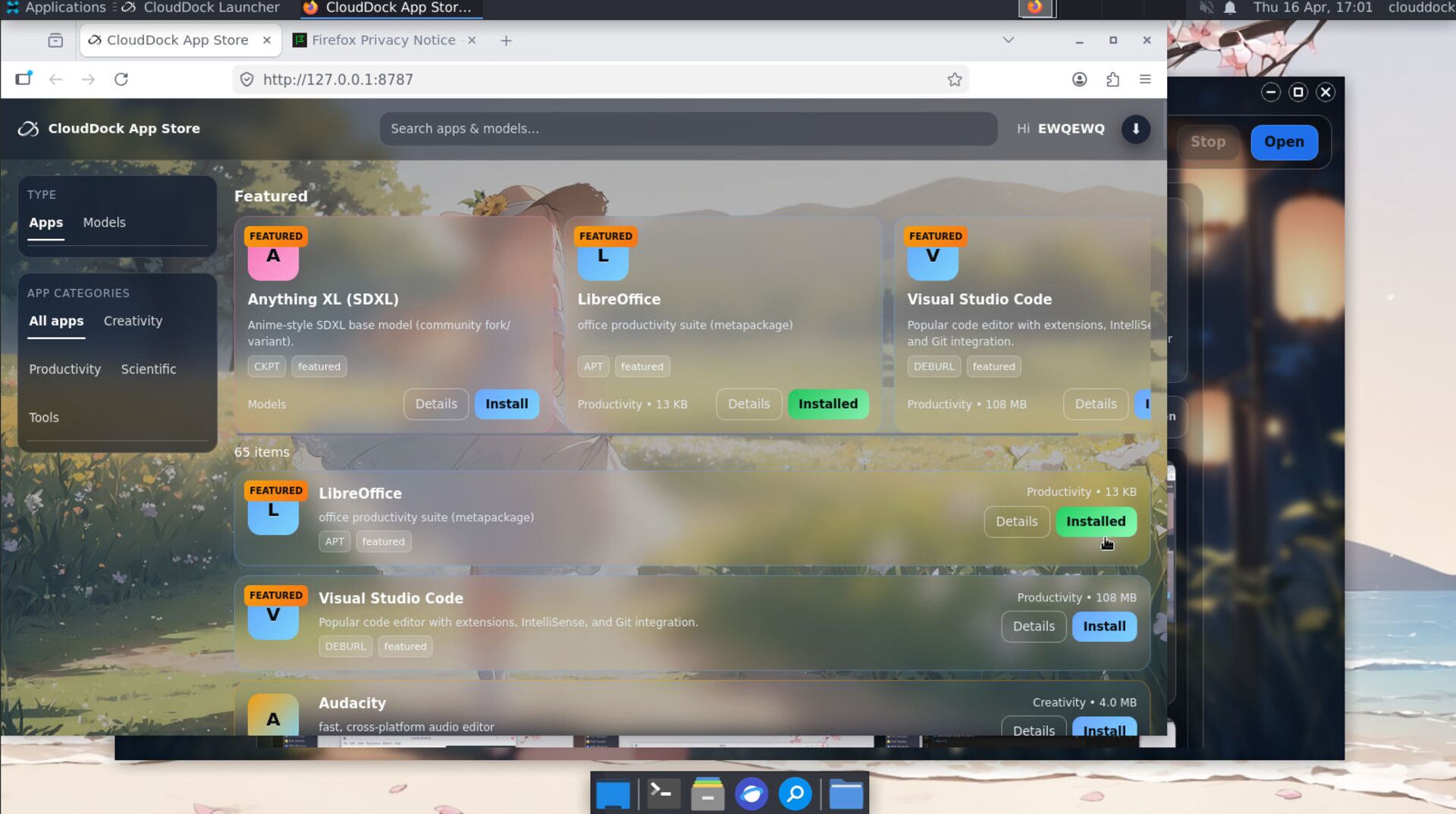
Installation complete
Note: Installed apps appear in the Applications menu (top-left corner).
WARNING: When using the software, please comply with the relevant license terms. We only provide download links and do not redistribute the software..
Thank you for your trust—enjoy your expanded cloud desktop!